
Using the detector
Scan, dig, battery, LCD HUD, and hotspot zones.
Use a detector item to equip. Walk and face the signal. Dig when the LCD locks on. Walkthrough: Using the detector.
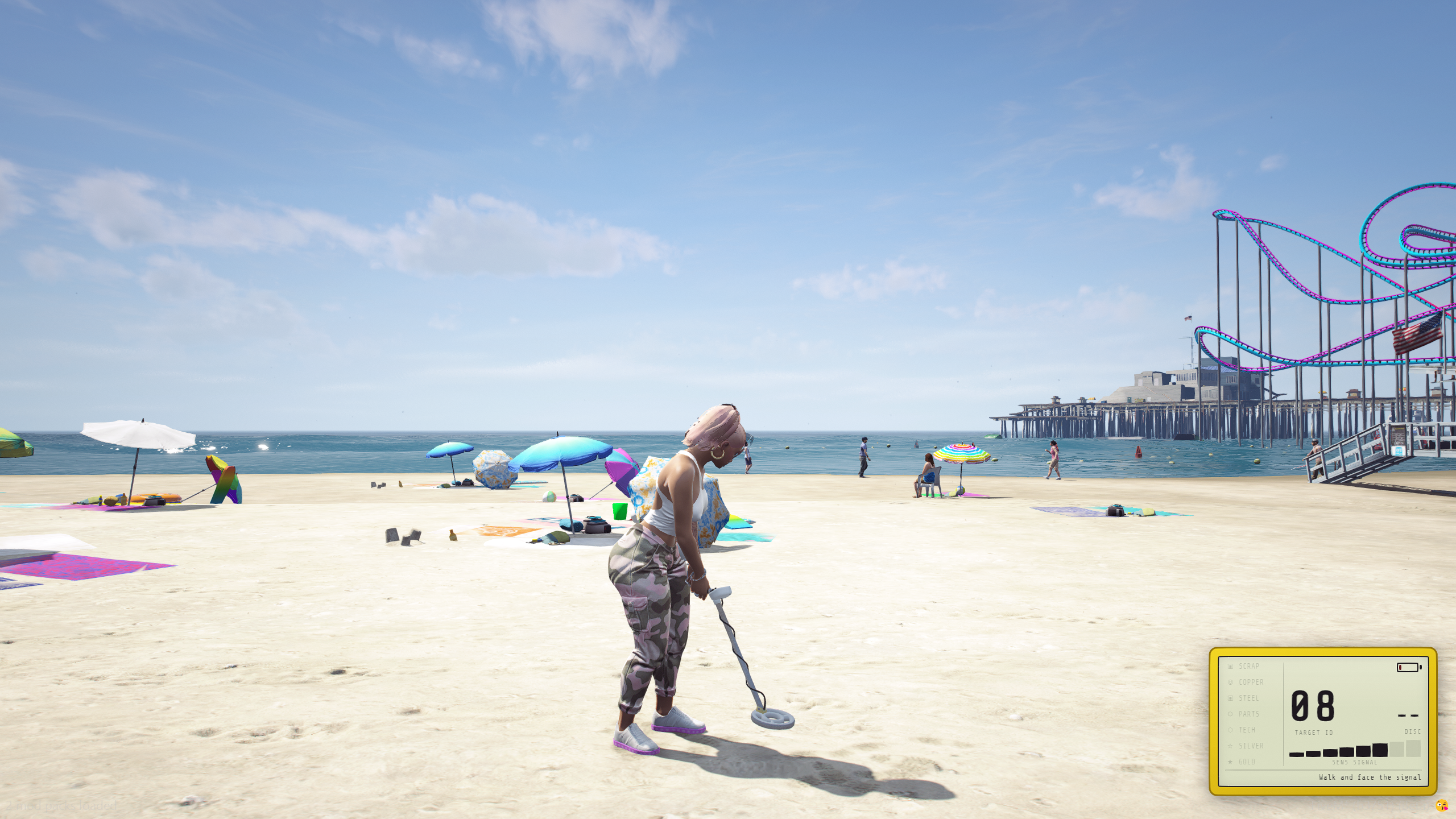
Player flow
- Use a detector item (
metaldetector,metaldetector_adv, ormetaldetector_pro). Use it again to put the detector away. - Walk. Face the beep. The bar fill climbs as you get closer and face the site (
Config.Scan.facingDegrees). - When the prompt says [E] Dig, press E. The server awards a loot drop from
Config.Loot. - If the LCD shows NO PWR, use a
batteryitem while the detector is still equipped.
You cannot start in a vehicle. Entering a vehicle or going down unequips the detector.
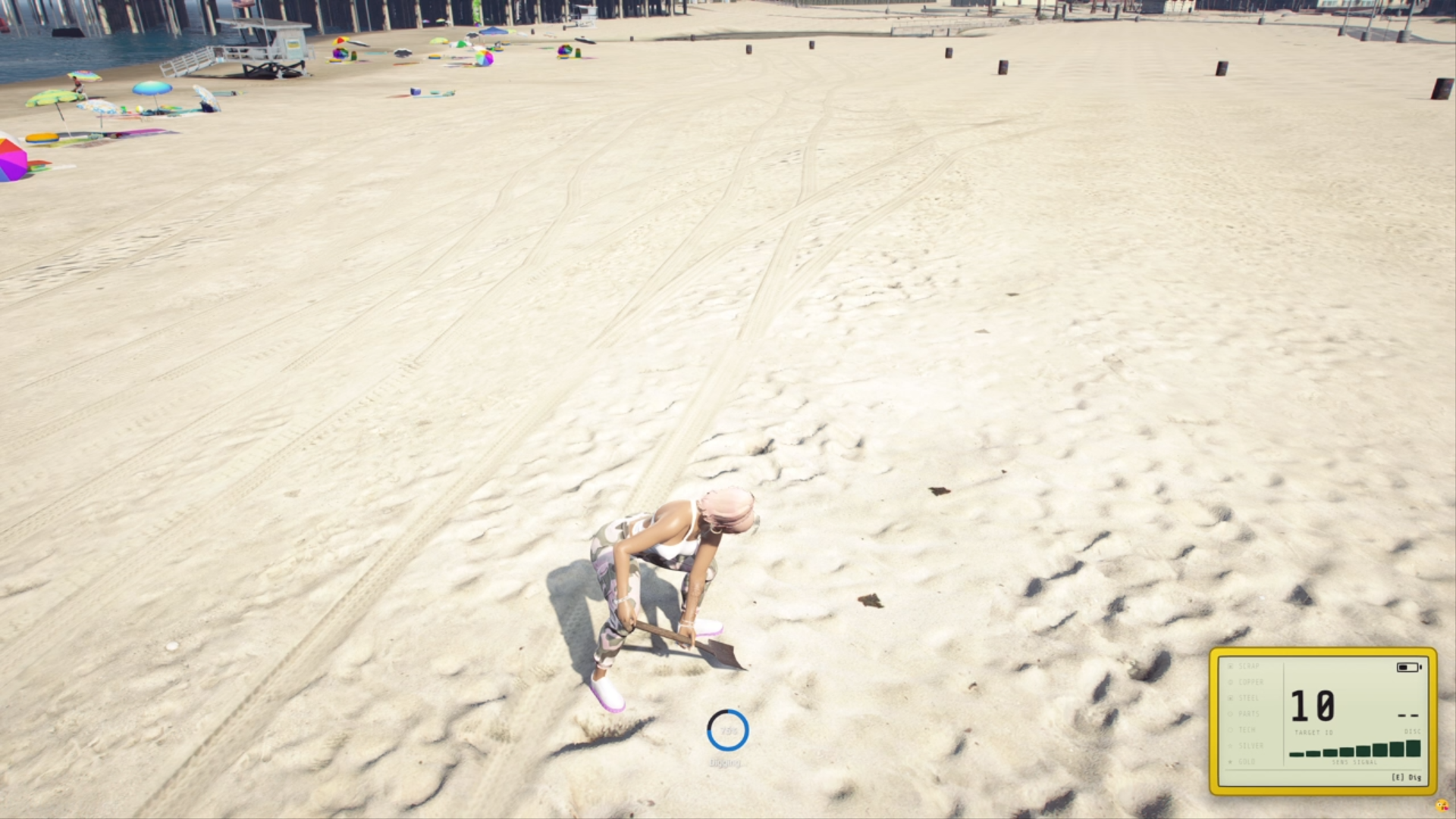
Controls
Defaults from Config.Scan. These are GTA control indexes, not ox_lib keybinds.
| Control | Default | Action |
|---|---|---|
digControl | 38 (E) | Dig when in range |
stopControl | 75 (F) | Put the detector away |
audioControl | 140 (R) | Toggle scanner beeps |
LCD HUD
The NUI LCD shows signal bars, charge, detector label, and a material reading when a site is identified.
Readings: SCRAP, COPPER, STEEL, PARTS, TECH, SILVER, GOLD. Strings live in locales/*.json under ui.*.
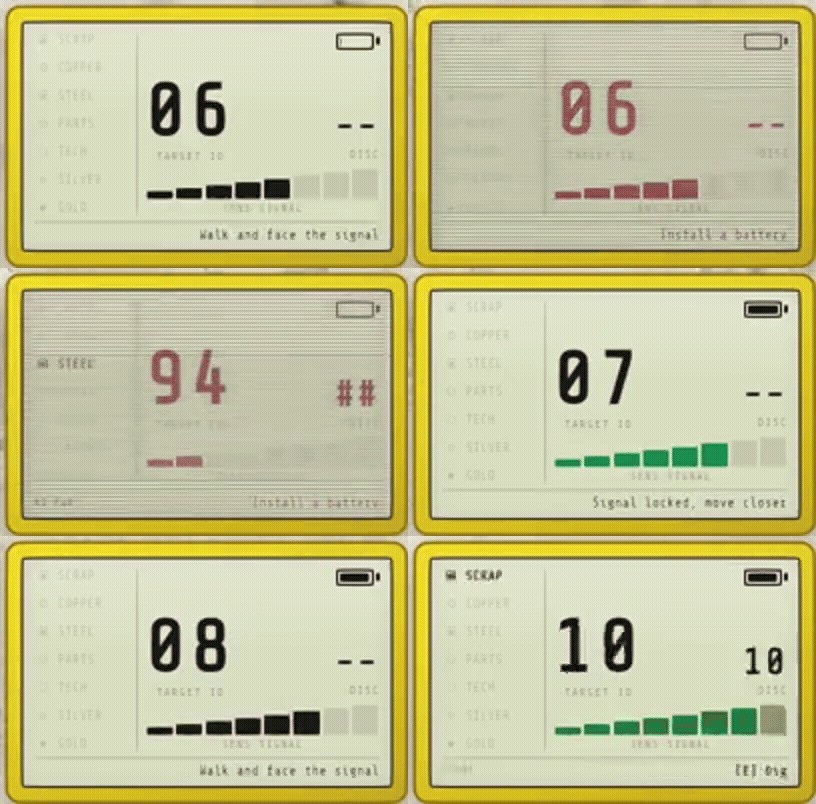
Dead battery: bars drop to zero, reading is NO PWR, and digging is blocked until you install a battery.
Detectors and battery
Three bundled detectors. Higher tiers scan farther and drain slower.
| Item | Label | Range | Drain per tick |
|---|---|---|---|
metaldetector | Basic Detector | 1.0 | 3.0 |
metaldetector_adv | Advanced Detector | 1.25 | 2.0 |
metaldetector_pro | Pro Detector | 1.5 | 1.0 |
Charge is stored on the item (metadata.charge / info.charge). Config.Battery.installCharge (default 100) is written when a battery is installed. Drain ticks while scanning (Config.Battery.drainIntervalMs).
Use a battery only while a detector is equipped.
Item paste-in: Items.
Zones and loot
Sites spawn in Config.Zones. type = 'hotspot' zones bias toward the valuable loot pool. Optional map blips (Config.HotspotBlips) can require a detector in hand.
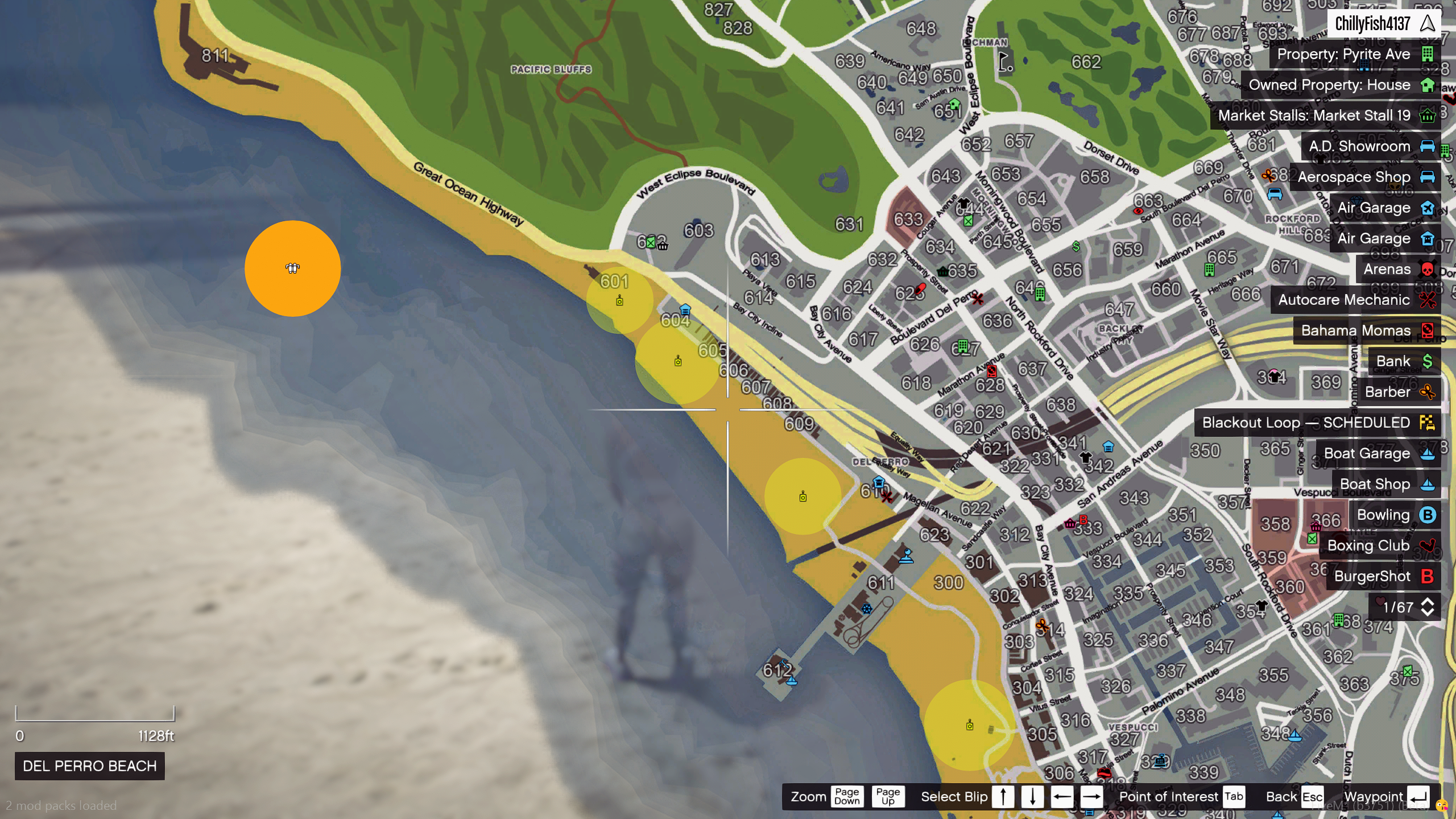
Loot rolls common / uncommon / valuable from Config.Loot.bands. Each drop is { item, count, weight, reading }. Change spawn names there if your inventory uses different items. Skill hooks can scale the bands: Integrations.