
Jobs & loads
Player flow and Config.Loads: crates, vehicles, peds, hose fuel, trailers.
Players pick a job in the trucking app, hitch a trailer, load cargo, then deliver. Every bundled job lives in Config.Loads (shared/config.lua). Other resources can add more at runtime with CreateJob.
Default spawn coords assume the warehouse MLO. If you use a different depot, move Config.DepotBlip, Config.Ped, Config.Rentals.Zone, and the load / trailer coords together.
Player flow
- Start a job from the trucking app. If someone else has that job, or its cooldown has not expired, the card is busy.
- A trailer spawns at one of
trailer.coords. Drive a truck there and hitch (Config.AttachAnyTrailer, default J). - Drop the trailer in the load bay (
trailer.loadCoords).Config.ForceLoadingHeadingrequires the trailer to faceloadCoords.w. - Load cargo (forklift / handler, walk-up attach, or hose fill).
- When the load is full, the server picks a random
dropoffand starts the job cooldown. Illegal jobs alert police here, not at accept. - Park in the dropoff zone. Payout and reputation apply, then the trailer, cargo, and loader despawn.
The job also ends if the trailer is destroyed, the player gets more than 2000m from it, they cancel at the ped / UI, or Config.Timeout elapses (default 1 hour). Those paths can remove standing (UnFinished). The server will not start a second job while one is still active.
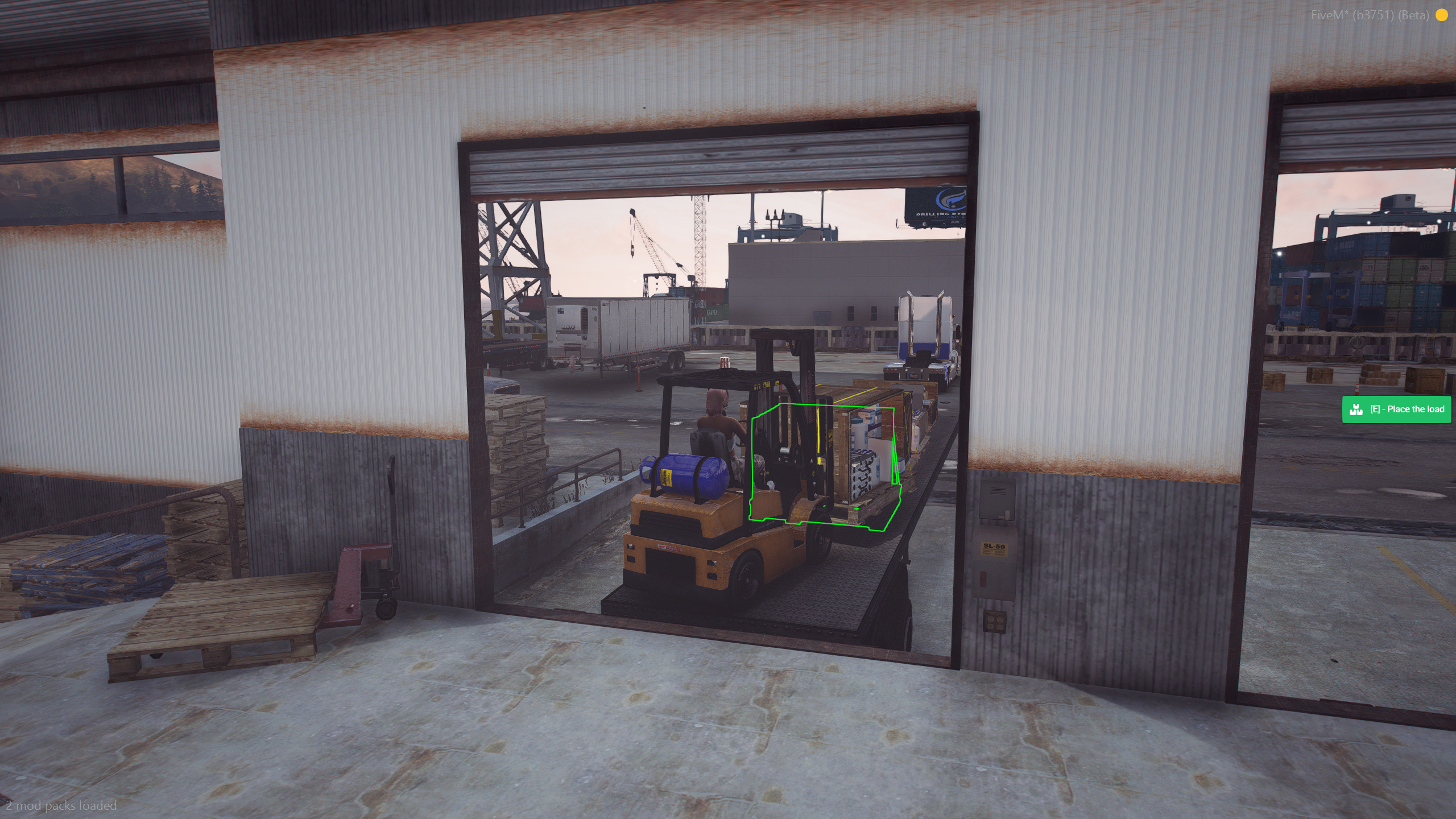
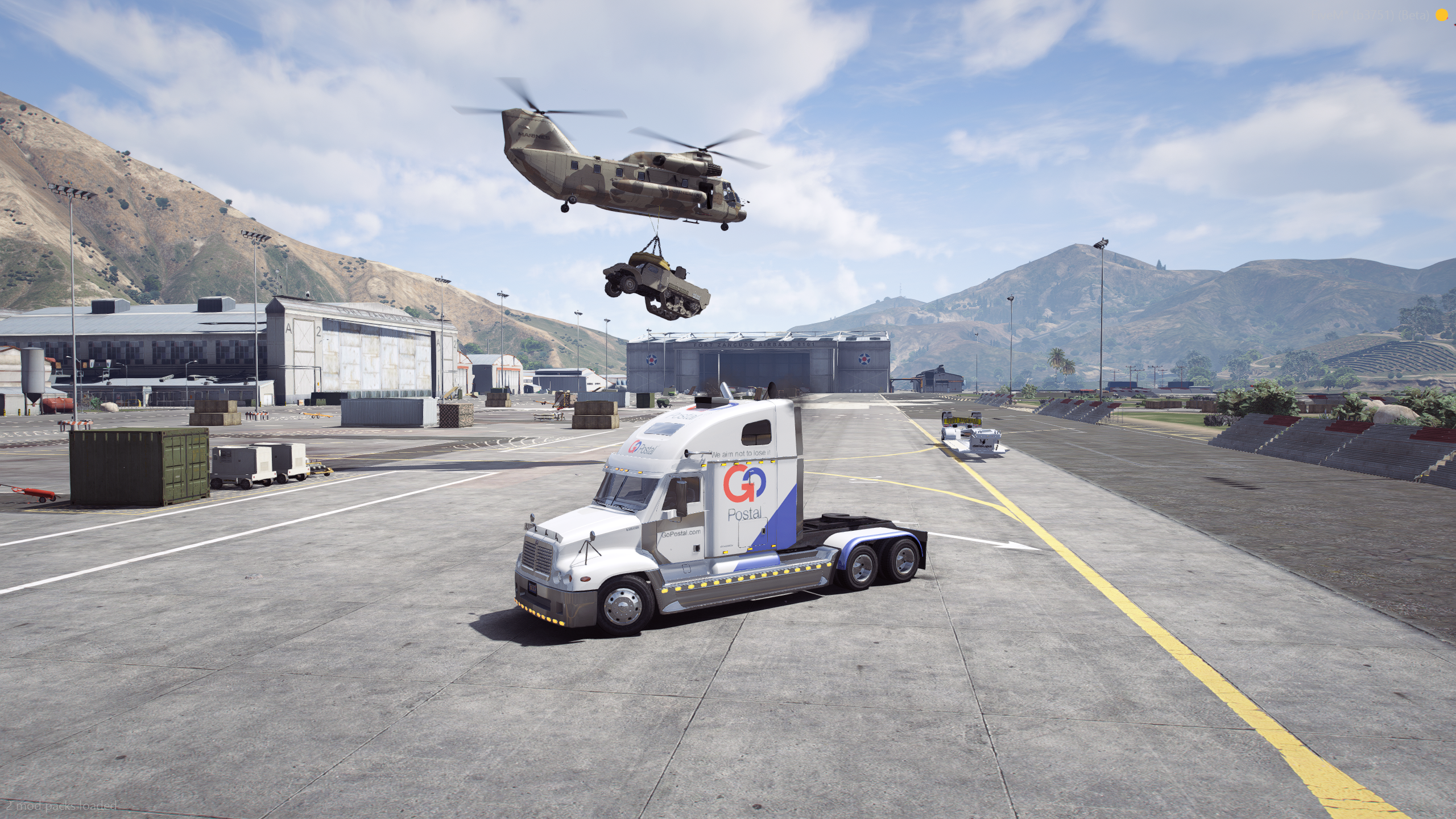
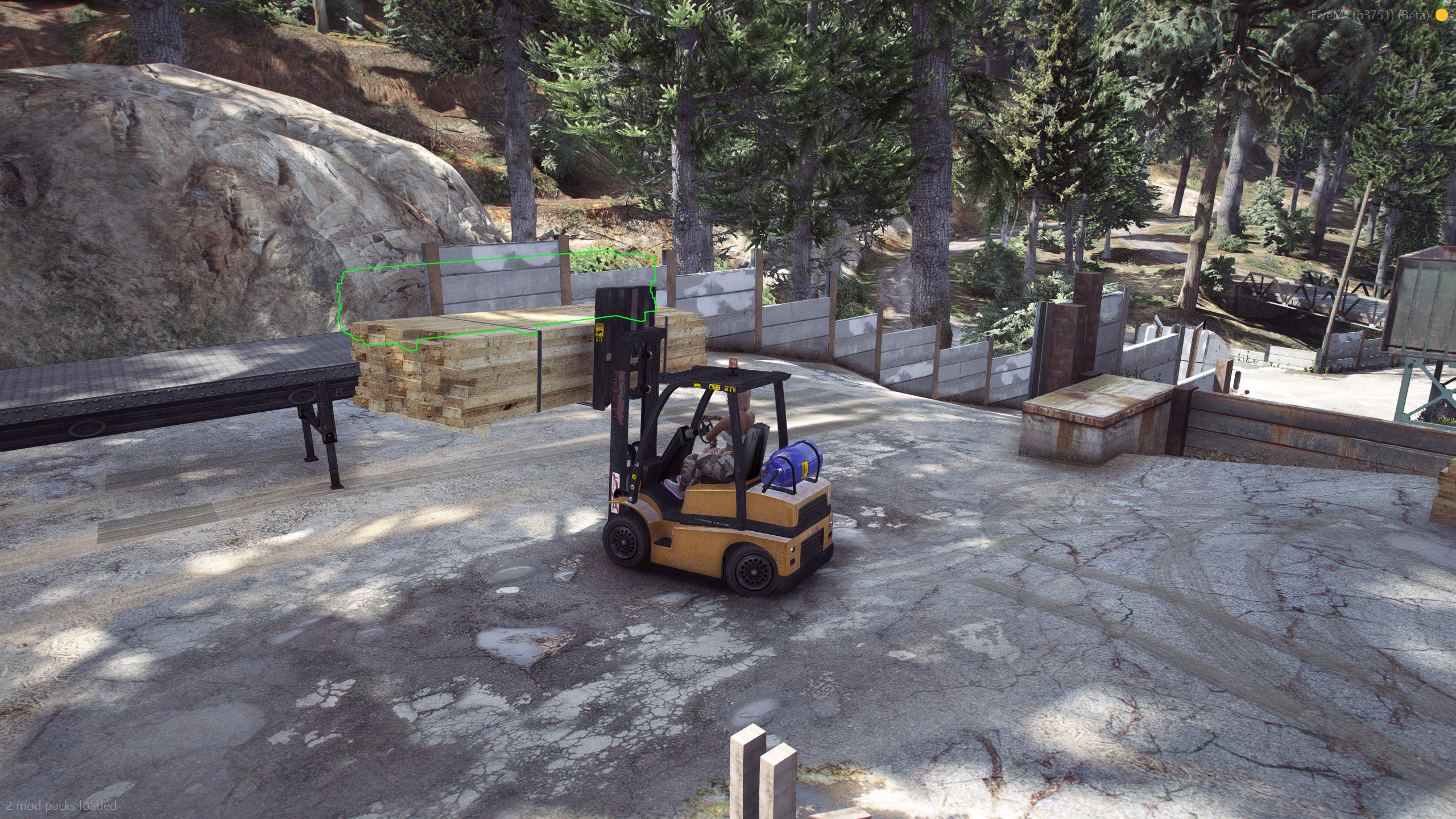
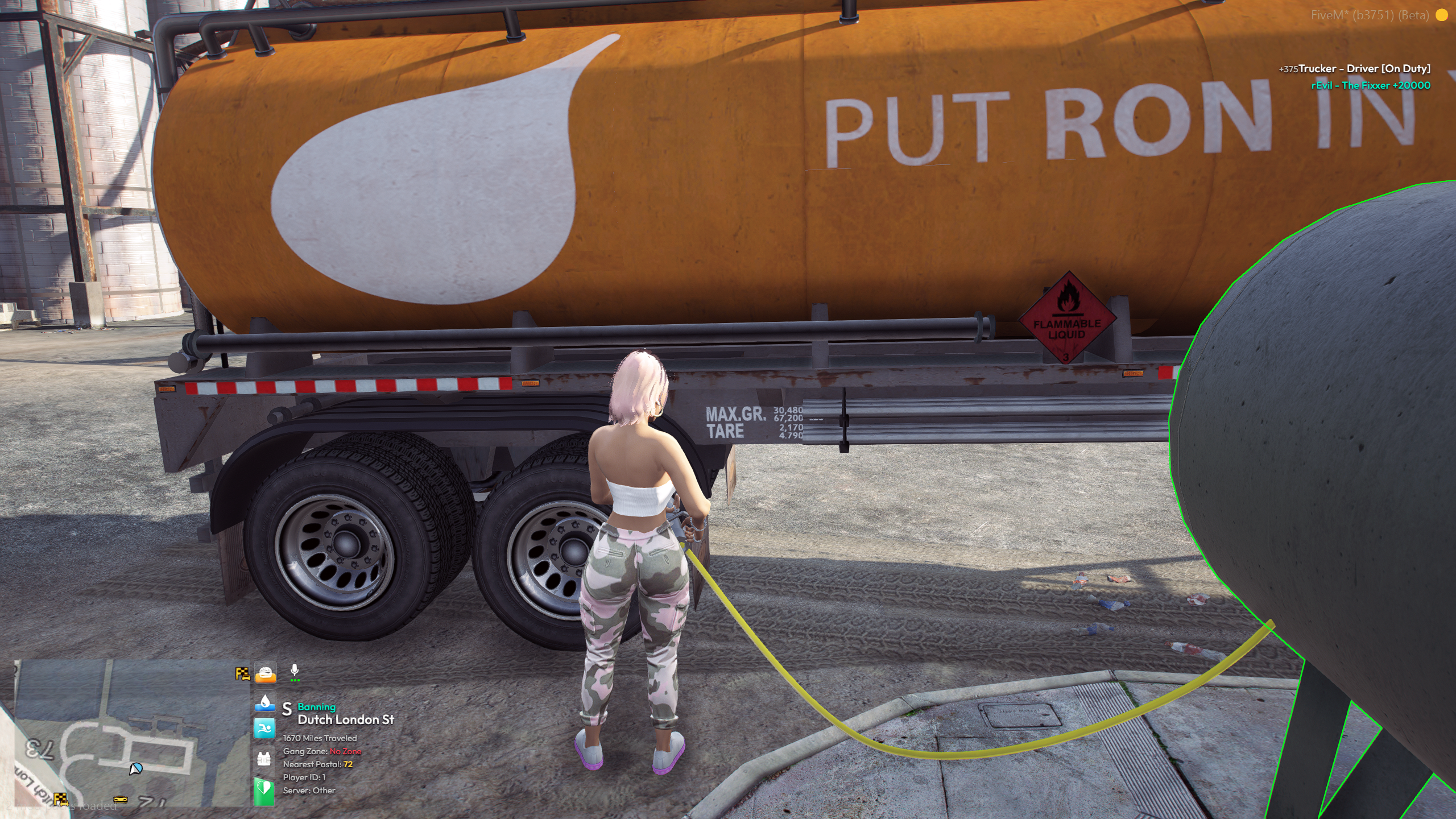
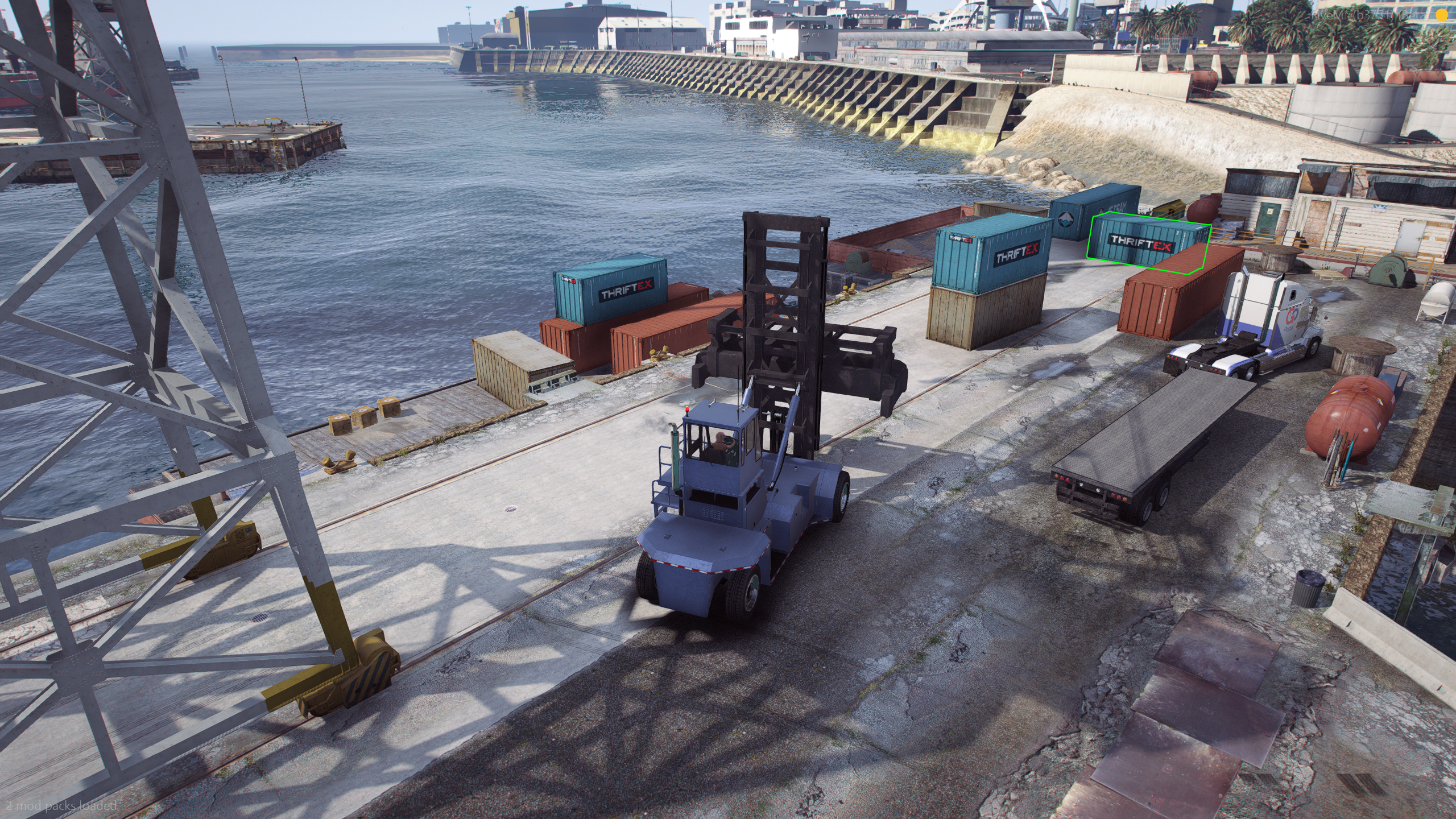
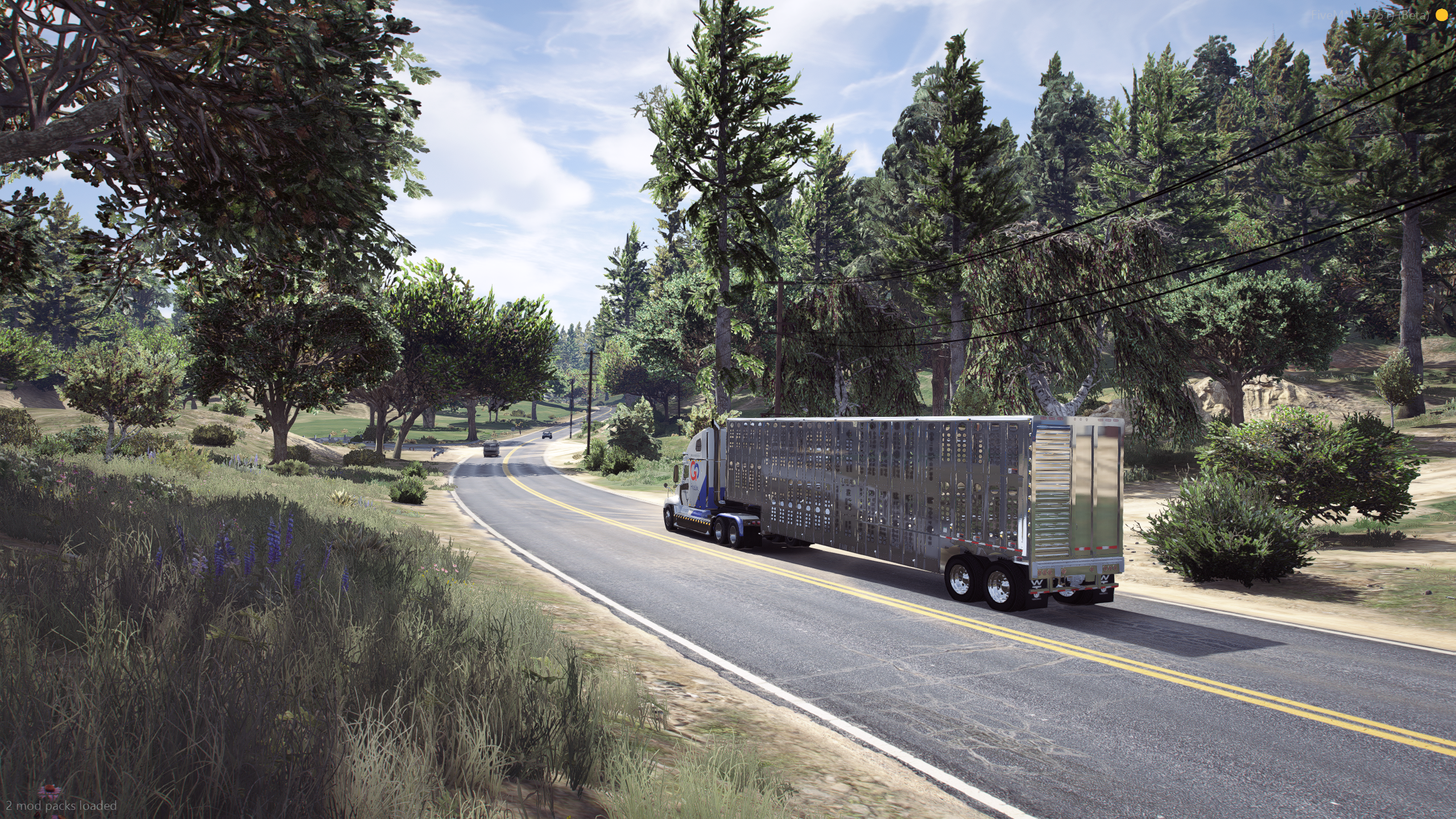
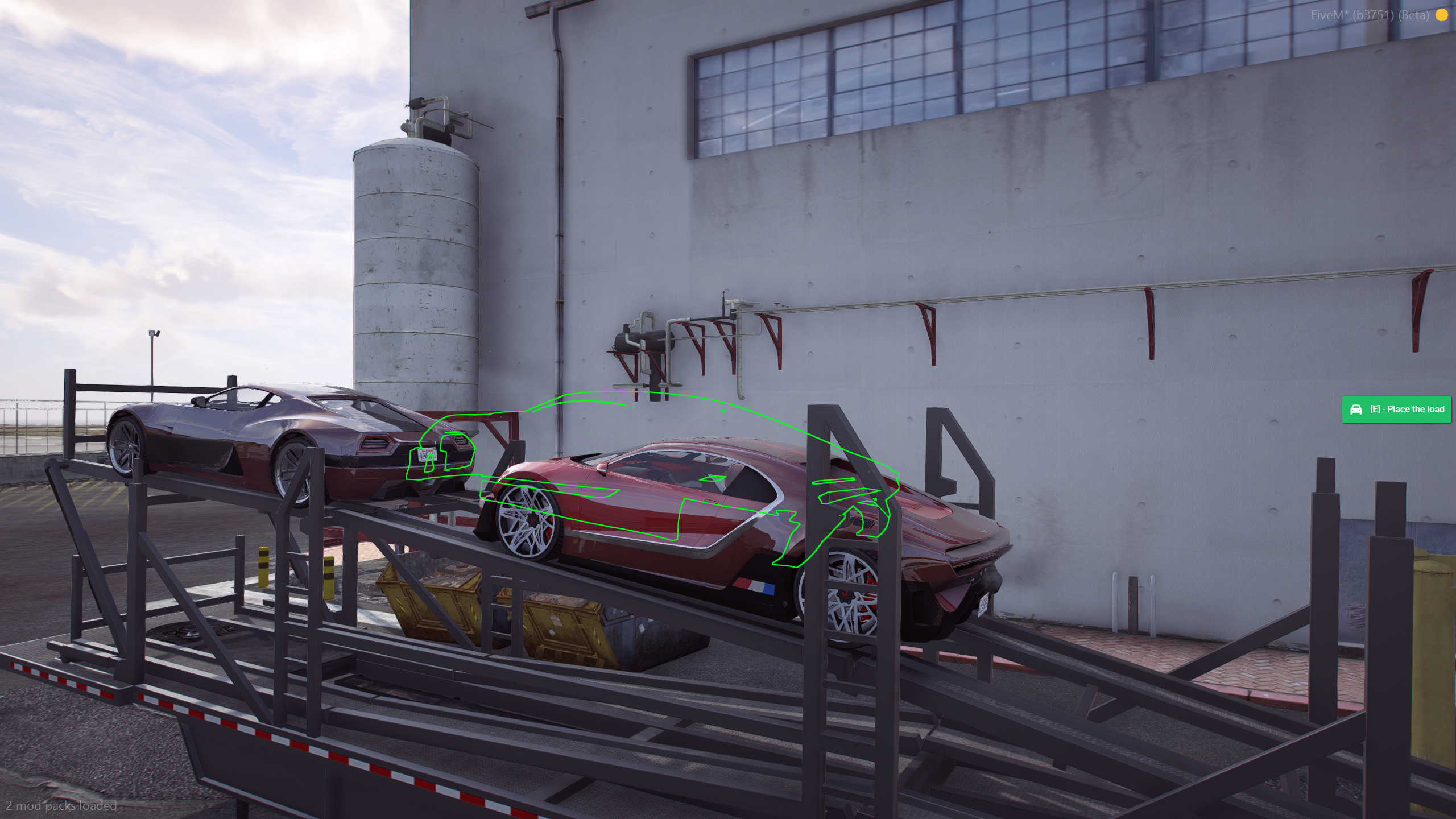
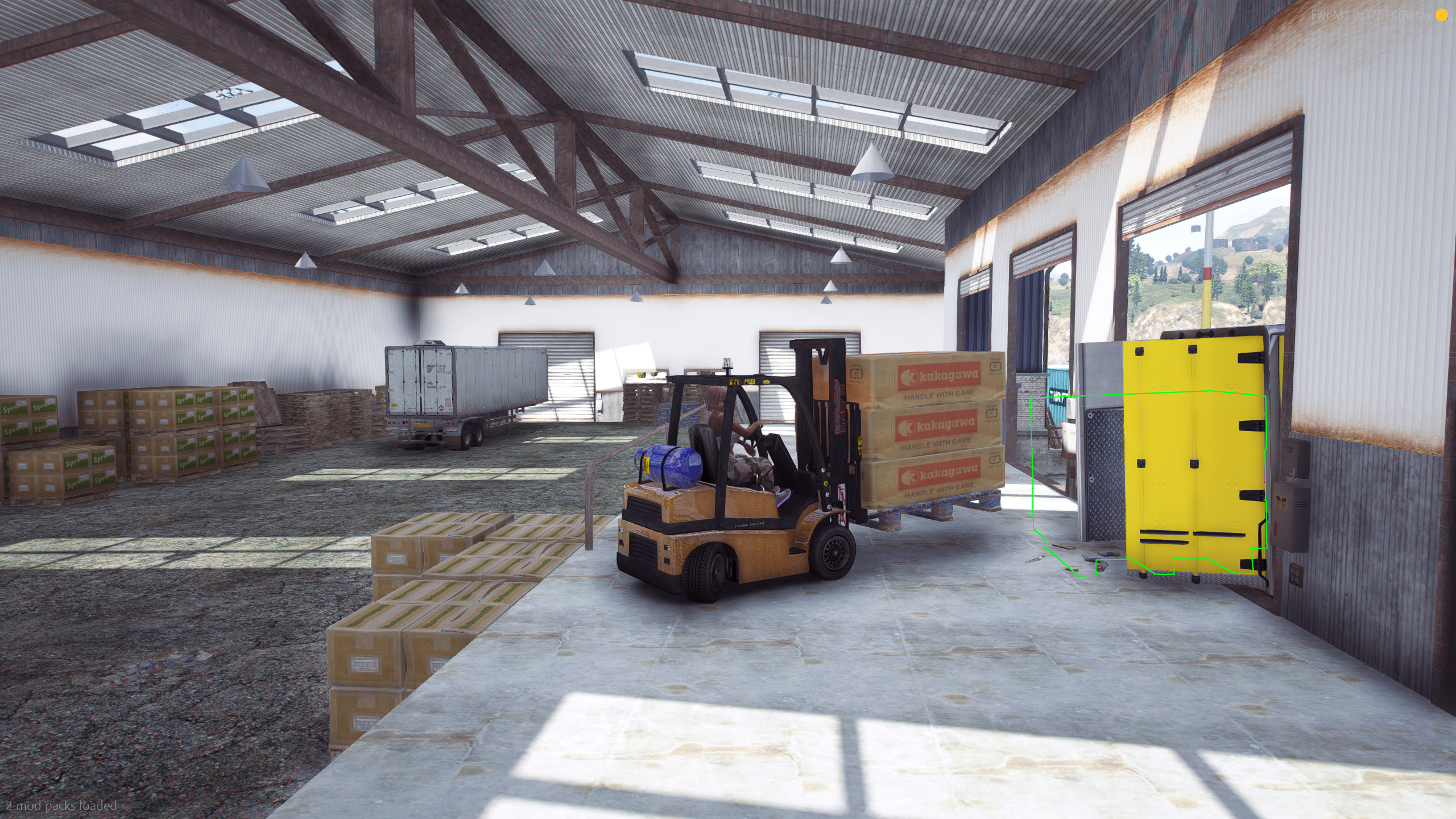
A job in Config.Loads
Copy this into Config.Loads and change models / coords. Comments match shared/config.lua.
{
    name = "Box Shipment",
    description = "Haul crates across town.",
    icon = "fas fa-box",              -- Font Awesome, shown in the trucking app
    requiredReputation = 0,           -- 0 = anyone. else Config.Reputation standing
    cooldown = 10,                    -- minutes after the load is ready to move (not after delivery)
    illegal = false,                  -- true = dirty pay, police count, dispatch at dropoff assign
    highlight = true,                 -- outline cargo. never true on peds (client crashes)
    ["load"] = {
        peds = false,                 -- cattle / passenger cargo
        vehicles = false,             -- car trailer, military vehicles, etc.
        hose = false,                 -- fuel tanker fill (see below)
        limit = false,                -- false = min(#coords, #attachpoints). number = force that many pieces
        modelDist = 2.5,              -- how close the loader / player must be to pick up
        model = { `prop_boxpile_08a` }, -- one picked at random per spawn
        coords = {                    -- spawn points. extras beyond the limit are randomized each run
            vector4(1223.21, -3125.05, 4.99, 89.16),
            vector4(1223.0, -3122.51, 4.99, 87.77),
        },
    },
    ["trailer"] = {
        model = `trflat`,
        exactPos = true,              -- snap and freeze on the bay while loading
        loadCoords = vector4(1245.32, -3135.93, 5.98, 270.0), -- or a list of bays
        coords = {                    -- trailer spawn (one random)
            vector4(965.55, -3210.14, 5.9, 176.36),
        },
        dummy = { x = 0.0, y = -7.0, z = -1.2, rx = 0.0, ry = 0.0, rz = 90.0 },
        attachpoints = {
            { x = 0.0, y = 4.0, z = 0.39, rx = 0.0, ry = 0.0, rz = 0.0 },
        },
        objects = {                   -- per-model offset overrides on the trailer
            -- [`prop_boxpile_08a`] = { x = 0.0, y = 0.0, z = 0.0, rx = 0.0, ry = 0.0, rz = 0.0 },
        },
        doors = { 2, 3 },             -- opened on the bay, closed when the load is full
        spawnExtras = { 1, 2, 3 },    -- vehicle extras on spawn
        doneExtras = { 1, 2, 3 },     -- extras after the load is complete (tarps, etc.)
    },
    ["loader"] = {
        model = `forklift`,           -- `handler` = container natives. {} = player carries / no loader
        coords = vector4(1237.7, -3134.61, 7.1, 89.93),
        autopilot = false,            -- true = ped flies a cargobob. player-flown is very hard
        offset = { x = 0.0, y = 1.3, z = -0.6, rx = 0.0, ry = 0.0, rz = 0.0 },
        bone = nil,                   -- optional bone name. default forks / index 3
        boneIndex = 3,
    },
    ["dropoff"] = {
        {
            coords = vector4(1121.46, -1461.07, 34.69, 268.21),
            payout = 2500,            -- or { 2000, 3000 } for a random roll
        },
    },
},
dummy is the ghost outline of where the next piece should go (forklift target). Set dummy = false to use attachpoints as those targets instead (car trailers, cattle). attachpoints are where cargo sticks after you drop it. You usually want both: dummy slightly off the bed so the forklift can drive in, attachpoints on the bed.
limit = false uses however many attach points you listed, capped by how many load.coords you listed. Set a number to force a smaller (or larger) load.
HideJobs = true on Config.Reputation hides jobs the player does not have standing for, instead of showing a locked card.
Offsets: /gettraileroffset (hitch / dummy) and /gettraileroffset prop_hose_nozzle. See Commands.
Hose fuel
No forklift. The player grabs a hose from a tank prop, connects it to the tanker, waits fillTime, hangs it back, then hitches and waits for a dropoff.
If load.coords and trailer.loadCoords are both lists, the same index is used so the tank and bay match. One random pair is chosen per job. A single loadCoords vector4 is also valid.
["load"] = {
    hose = true,
    hoseOffset = { x = 1.198, y = 0.009, z = 2.664 }, -- local on the tank (heading from coords.w)
    hoseTrailerOffset = { x = 0.627, y = 0.899, z = -1.625, rx = 0.0, ry = 0.0, rz = -90.6 },
    fillTime = 20000,                                 -- milliseconds. disconnecting cancels and they reconnect
    model = { `prop_gas_tank_01a` },
    coords = {
        vector4(168.67, -2198.56, 5.17, 89.0),
    },
},
["trailer"] = {
    model = `tanker`,
    exactPos = true,
    loadCoords = {
        vector4(168.69, -2193.44, 5.62, 271.4),
    },
    dummy = false,
    attachpoints = {},
},
["loader"] = {},
The bundled Fuel Delivery jobs already use this.
Hitching and trucks
Hitch, back into the bay, and load cargo.
Config.AttachAnyTrailer = true      -- J hitches any compatible trailer (addon trucks)
Config.AnyTrailerDistance = 5.0
Config.AttachAnyTrailerKey = "J"
Config.ForceLoadingHeading = true   -- trailer must face loadCoords.w to drop on the bay
Config.ForceDropoffHeading = false  -- same idea at the delivery zone
Config.BurstTires = true            -- false = any truck can haul the job trailer
Config.AllowedTrucks = {
    [`phantom`] = true,
    [`packer`] = true,
    [`hauler`] = true,
}
Config.Timeout = 60 * 60            -- seconds until an unfinished job is cancelled
With BurstTires, if the driver hitches the job trailer to a model that is not in AllowedTrucks, tires burst and engine health ticks down every second until they unhitch. Addon trucks you want to allow must be added to that list.
ForceLoadingHeading / ForceDropoffHeading compare the trailer heading to the zone heading. Leave dropoff false if deliveries are in tight lots.
Illegal jobs
illegal = true

Config.PoliceRequired = 2           -- 0 = skip the online-cop check at accept
Config.PoliceJobs = { "police", "bcso" }

Config.NeverAllowEntry = {          -- spawned cargo vehicles players must not sit in
    [`halftrack`] = true,
    [`cargobob`] = true,
}
Config.NeverAllowEntryJobOnly = false -- false = always blocked, even off the job
At accept, PoliceCheck() counts online players whose job is in PoliceJobs. Not enough cops: the start fails.
At load complete, the server calls SendDispatch with the driver's ped coords, then the client follow-up. That is when police get the ping, not when the card is clicked.
Pay goes through GivePlayerMoney. Default: bank for legal, crypto (QB/Qbox) or black_money (ESX) for illegal. Packs: Integrations.
Rentals
A marker at Zone. Players pay price from bank (GetPlayerMoney / RemovePlayerMoney) and get a truck. Returning it refunds that amount (GivePlayerMoney with illegal = false). Keys and fuel run through server and client VehicleSpawned (see Integrations). Rentals always spawn on the server via SpawnVehicle in server/edit.lua.
Config.Rentals = {
    Enabled = true,                 -- false = owned trucks only
    Zone = vector4(1219.46, -3203.99, 4.59, 177.74),
    Trucks = {
        { name = "Los Santos Phantom", model = `phantom`, price = 500 },
    },
}
Add every rental model to Config.AllowedTrucks if BurstTires is on.