
Opening the app
How players open the trucking app: command, item, depot ped, phones, and tablets.
The trucking app is the job list (Jobs and Standing). You can turn on more than one host at once: standalone tablet, a phone app, and lb-tablet. Every path still runs HasPerm() first. If Config.RequireJob is set and the player is not on that job, nothing opens.
Config.RequireJob = "trucker" -- false = anyone. string or { 'trucker', 'police' }The check is live. Switching jobs while the UI is closed is enough. You do not need to restart the resource.
Standalone tablet
Config.EnableStandaloneTablet = true

-- false = chat command /truckertablet
-- string = useable inventory item with that name (no command)
Config.TabletItemName = false
EnableStandaloneTablet must be true for the in-world NUI tablet (prop in hands, mouse focus). The depot ped also uses this path.
If TabletItemName is false, players type /truckertablet. If you set a string ('trucker_tablet'), they use that inventory item instead and the command is not registered. Add the item to your inventory yourself. The resource does not ship an items/ folder.
The useable hook is registered for qbcore / qbox / esx in server/edit.lua. For Config.Framework = "custom", register the item there and fire gs-trucking:client:openTablet.
Close with the in-UI button, Escape, or Back.
Depot ped
The warehouse worker (Config.Ped) is not a separate menu. Target / interact:
- Not on a job: opens the same standalone tablet
- Already on a job: End job (cancels, can remove reputation)
If Config.Target is false, they use TextUI / GTA help text with Config.OtherKeybind (default E) instead of third-eye.
The depot blip (Config.DepotBlip) only shows for players who pass HasPerm().
Phones
-- "auto" = register on the first supported phone that is started
-- Force one resource if you run more than one phone
-- false = do not register any phone app
Config.Phone = "auto"
Config.QSphoneAppCategory = "social" -- QS App Store tab only
Supported: lb-phone, qs-smartphone-pro, qs-smartphone, okokPhone, yseries, 17mov_Phone, gksphone. Short aliases: "lb", "qs", "okok", "yphone", "17mov", "gks".
Start the phone before gs-trucking or the app never appears. "auto" does not wait for a phone that starts later. If you ensure the phone after trucking, set Config.Phone to that resource name so trucking waits for it.
New custom jobs also push a phone notification to permitted players (custom_job_available).
lb-tablet
Config.Tablet = "auto" -- or "lb-tablet". false = skipSame rule as phones: start lb-tablet first, or force "lb-tablet" so trucking waits.
This is a custom app inside lb-tablet, not the standalone NUI. Players open it from lb-tablet's app list.
In the UI
- Jobs. Legal and off-books cards. Start a run, or cancel the one you are on. Busy jobs show a cooldown. Locked jobs show the standing requirement unless
Config.Reputation.HideJobsis true. - Standing. Current / max reputation, short help text, optional driver leaderboard.
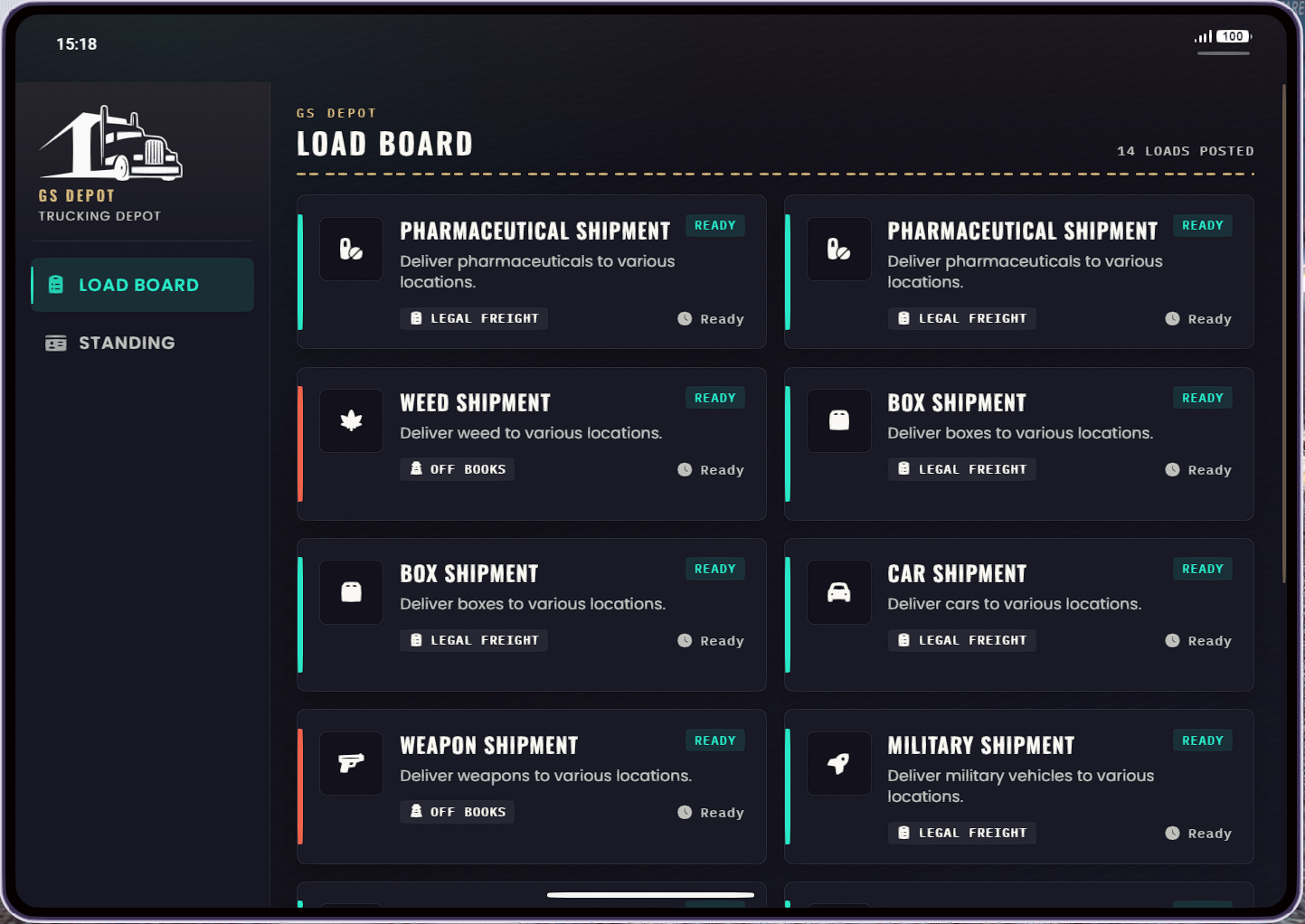
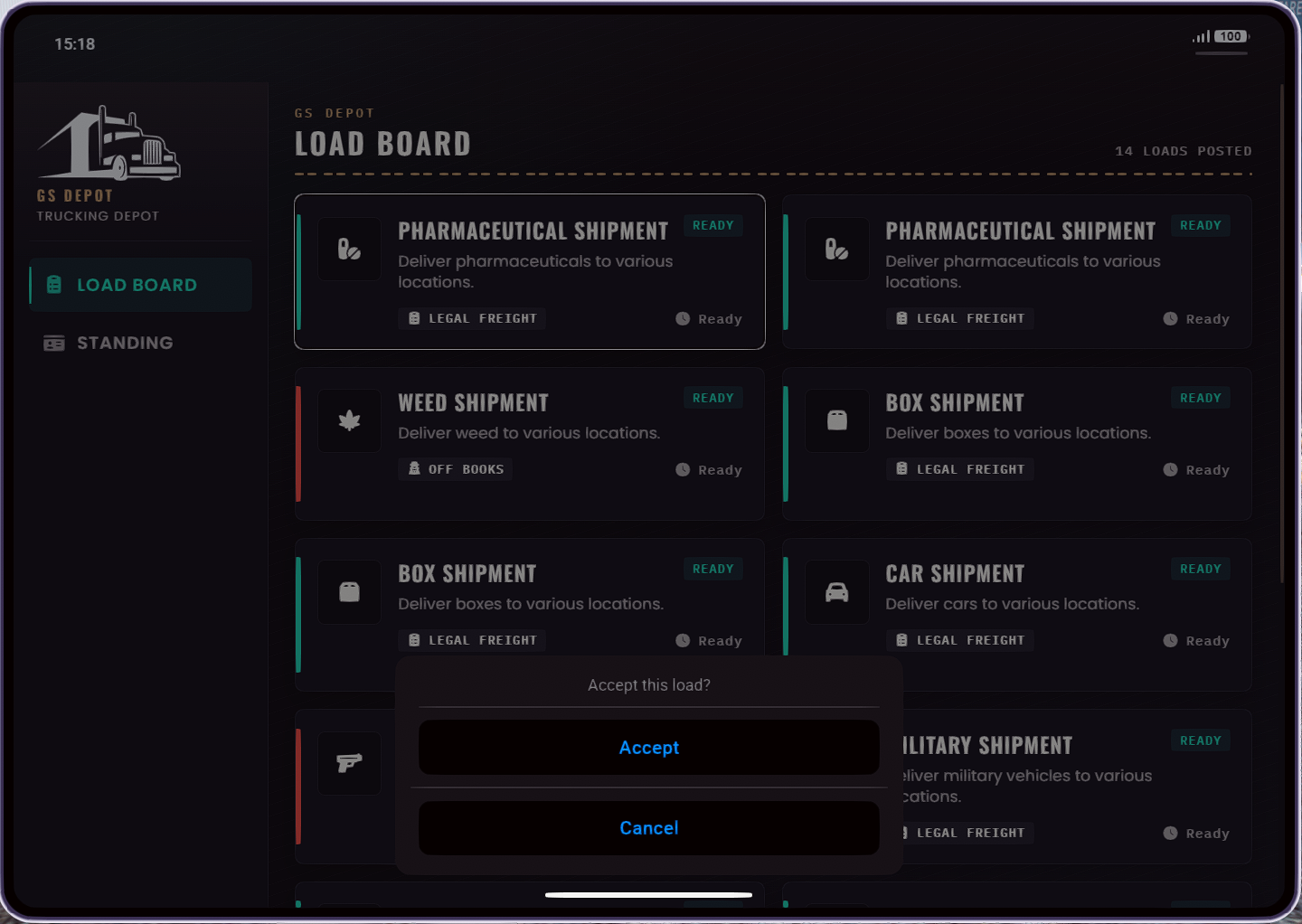
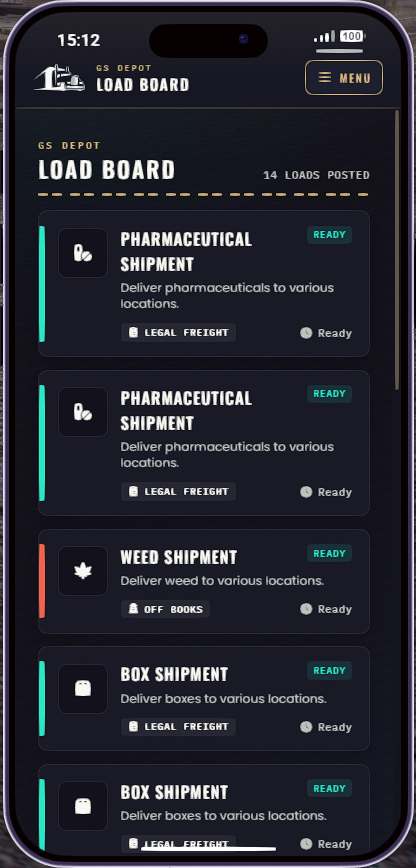
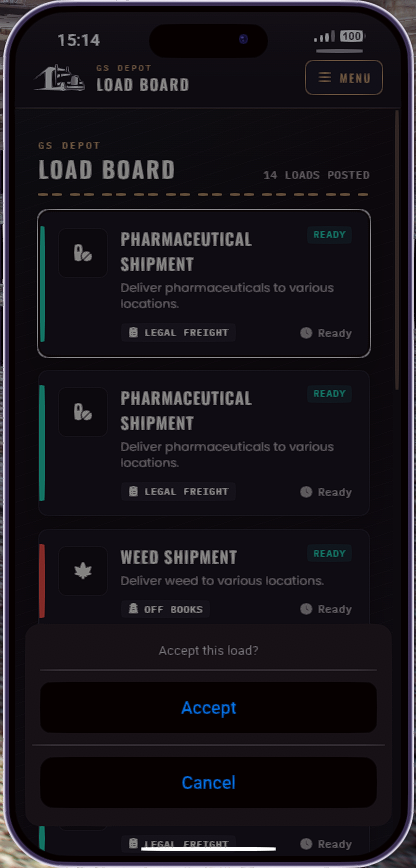
Phone layouts use a Menu chip to switch pages. The standalone tablet uses a side nav. The small label above the title is phone_brand_kicker in locales (default GS Depot). It is branding only, not a second app.
Config.UIUpdateInterval = 10000 -- ms between job-list refreshesKeep this at 10 seconds or higher. Lower values spam the server callback that builds the job list.
Nothing opens
Config.EnableStandaloneTabletis true if you expect/truckertabletor the depot ped.- The inventory item exists and matches
TabletItemNameif you set one. - The player passes
HasPerm()(truckerjob unless you changedRequireJob). gs-truckingstarted after the framework, and after the phone / lb-tablet if you use those.