
Installation
Install gs-trucking: dependencies, start order, database, and framework.
Follow every step. Most startup errors come from wrong start order, missing deps, or a missing warehouse MLO.
Download
Purchase with your own Cfx / Keymaster account. Download from Keymaster. You can transfer the grant to another account from Keymaster if needed.
Escrow errors: FiveM/RedM Asset Escrow.
Keep the resource folder named gs-trucking (or gs-trucking-project). Exports and ensure below use gs-trucking.
Dependencies (required)
| Dependency | Notes |
|---|---|
| ox_lib | Required |
| Framework | qb-core, qbx_core (Qbox), or es_extended |
| MySQL | oxmysql recommended. mysql-async and ghmattimysql also work |
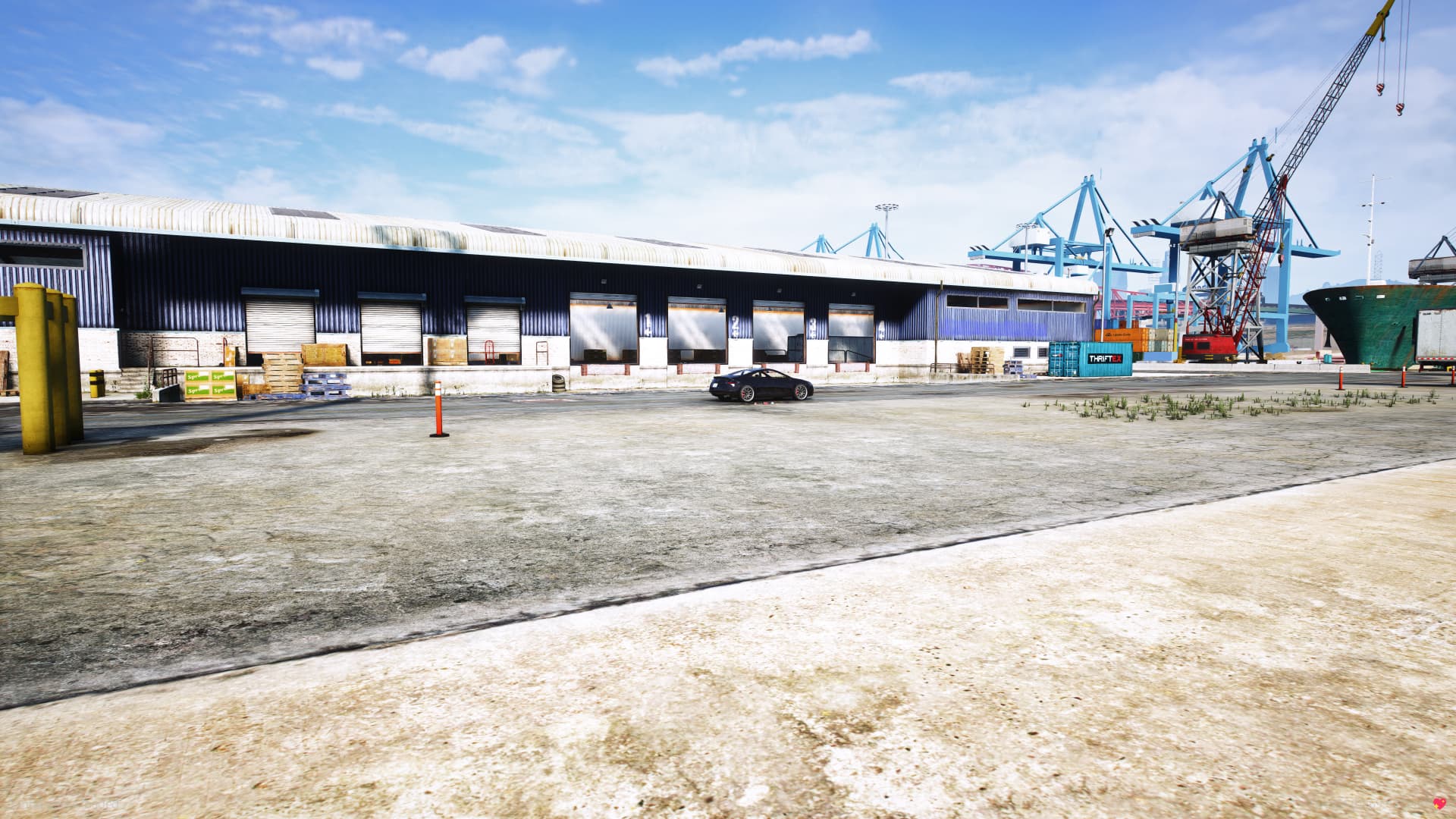
| Warehouse MLO | Default depot, ped, rental, and Config.Loads coords are built for this map. Use another warehouse only if you move those coords. |
Optional
Start these before gs-trucking if you use them. Fuel, keys, dispatch, and radio are detected automatically. See Integrations.
Config.Phone = "auto"   -- lb-phone, qs-smartphone-pro, qs-smartphone, okokPhone, yseries, 17mov_Phone, gksphone
Config.Tablet = "auto"  -- lb-tablet
Config.Target = "auto"  -- ox_target, qb-target, qtarget, sleepless_interact, interact, inside-interaction
Asset order
Start after framework + ox_lib + your MySQL resource:
ensure ox_lib
ensure oxmysql
ensure qb-core   # or qbx_core / es_extended
-- phones / lb-tablet before gs-trucking
ensure gs-trucking
Database
On resource start, tables are created automatically (CREATE TABLE IF NOT EXISTS):
-- gs_trucking_reputation   driver standing (when Config.Reputation.Enable)
-- gs_trucking_custom_jobs  jobs created at runtime via CreateJob
Without a MySQL resource, reputation is disabled and custom jobs stay in memory only (lost on restart).
Framework
-- Detects qbx_core → qb-core → es_extended
Config.Framework = "auto"

-- Or force: "qbcore" | "qbox" | "esx" | "custom"
Config.CustomFrameworkName = false
For "custom", fill the hooks in client/edit.lua and server/edit.lua.
Framework job
Only if Config.RequireJob is set (default "trucker"). Skip this when RequireJob = false (anyone can truck). Open the section for your core.
Add this to qb-core/shared/jobs.lua (or shared.lua on older cores):
trucker = {
    label = 'Trucker',
    defaultDuty = true,
    offDutyPay = false,
    grades = {
        ['0'] = {
            name = 'Driver',
            payment = 0
        }
    }
},Same job table as QBCore, in your qbx_core jobs config. The job name must match Config.RequireJob.
Run database.sql, or this SQL. Change @job if you change Config.RequireJob.
SET @job = 'trucker';
SET @job_name = 'Trucker';

INSERT INTO `jobs` (name, label, whitelisted) VALUES
  (@job, @job_name, 0)
;

INSERT INTO `job_grades` (job_name, grade, name, label, salary, skin_male, skin_female) VALUES
  (@job, 0, 'driver', 'Driver', 0, '{}', '{}')
;
Quick config checklist
Config.Framework = "auto"
Config.Locale = 'en'
Config.EnableStandaloneTablet = true
Config.TabletItemName = false      -- /truckertablet, or set an item name
Config.Phone = "auto"
Config.Tablet = "auto"
Config.Target = "auto"
Config.RequireJob = "trucker"      -- false = anyone, or a list of job names